OperationsVerified
Supplier Payments & Approvals
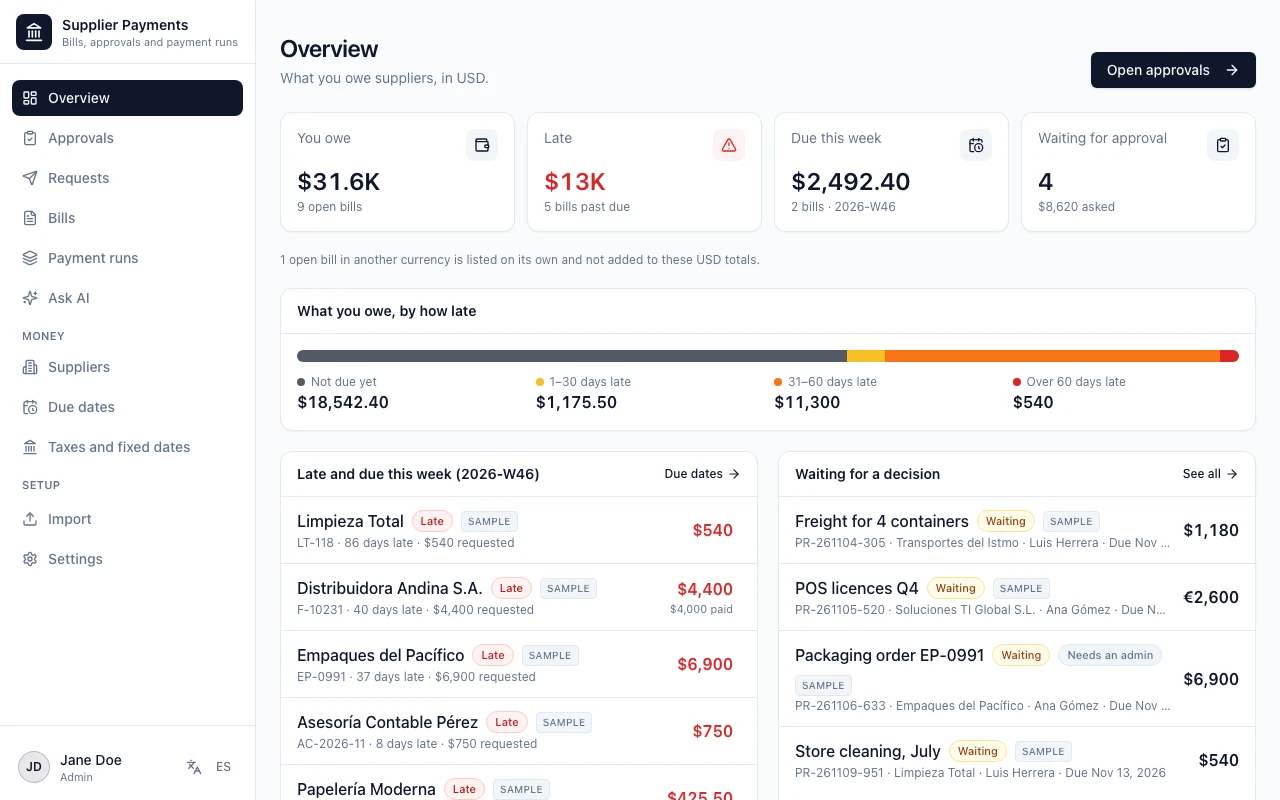
Supplier payments with approvals for businesses that pay many suppliers every week: distributors, retailers, restaurants, builders and service companies.
by AgentUIUse template
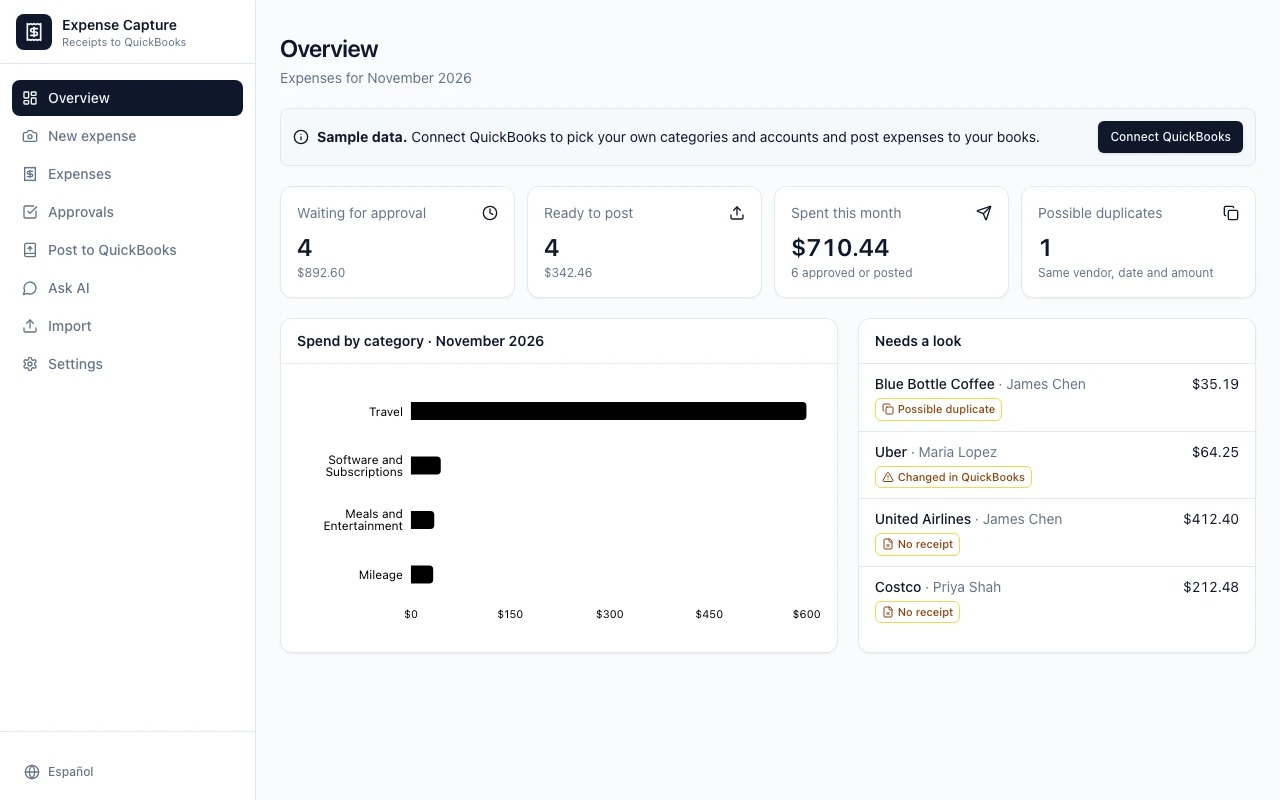
Employees snap a receipt on their phone and the app reads the vendor, date, total, tax and currency for them; they pick the QuickBooks category and payment account, add a customer or class when it is billable, and submit.
by AgentUIUpdated November 13, 2026
Supplier payments with approvals for businesses that pay many suppliers every week: distributors, retailers, restaurants, builders and service companies.
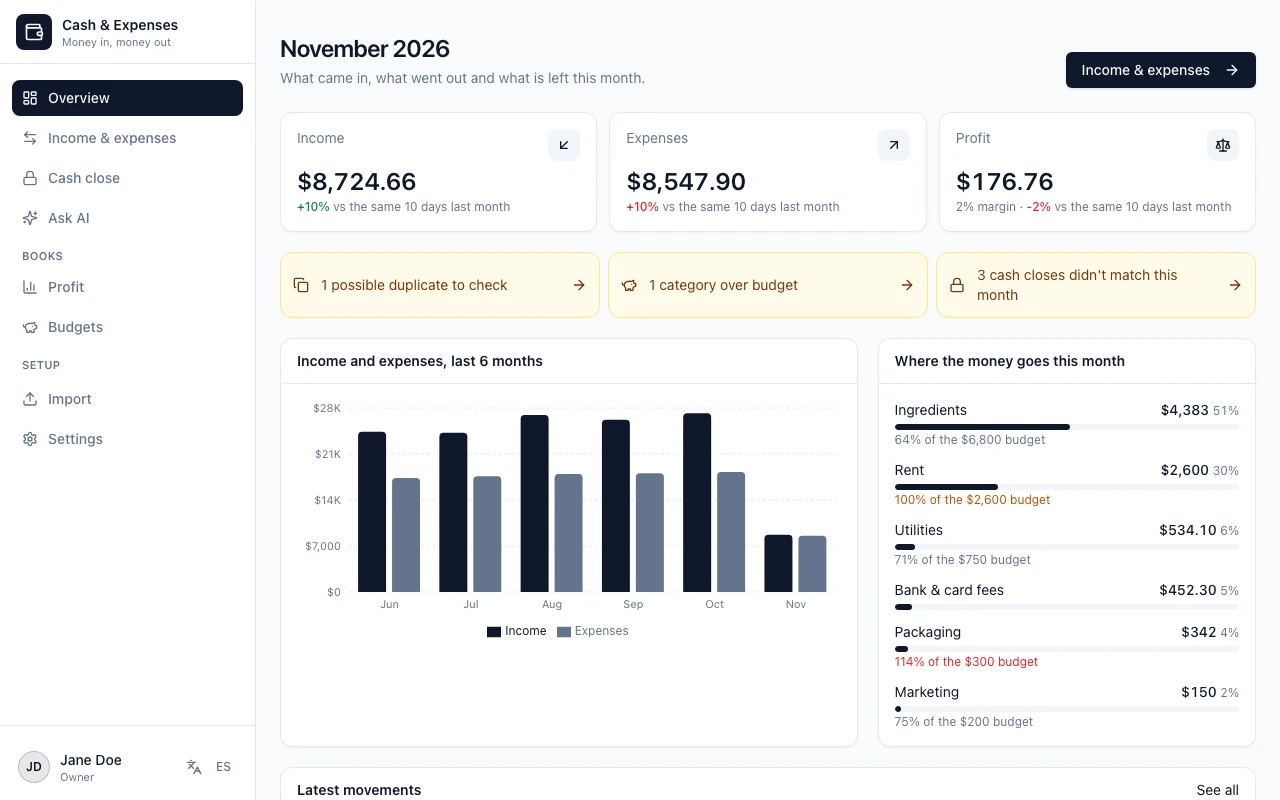
Cash and expense book for small business owners who are not accountants: shops, bakeries, food businesses, workshops and services.
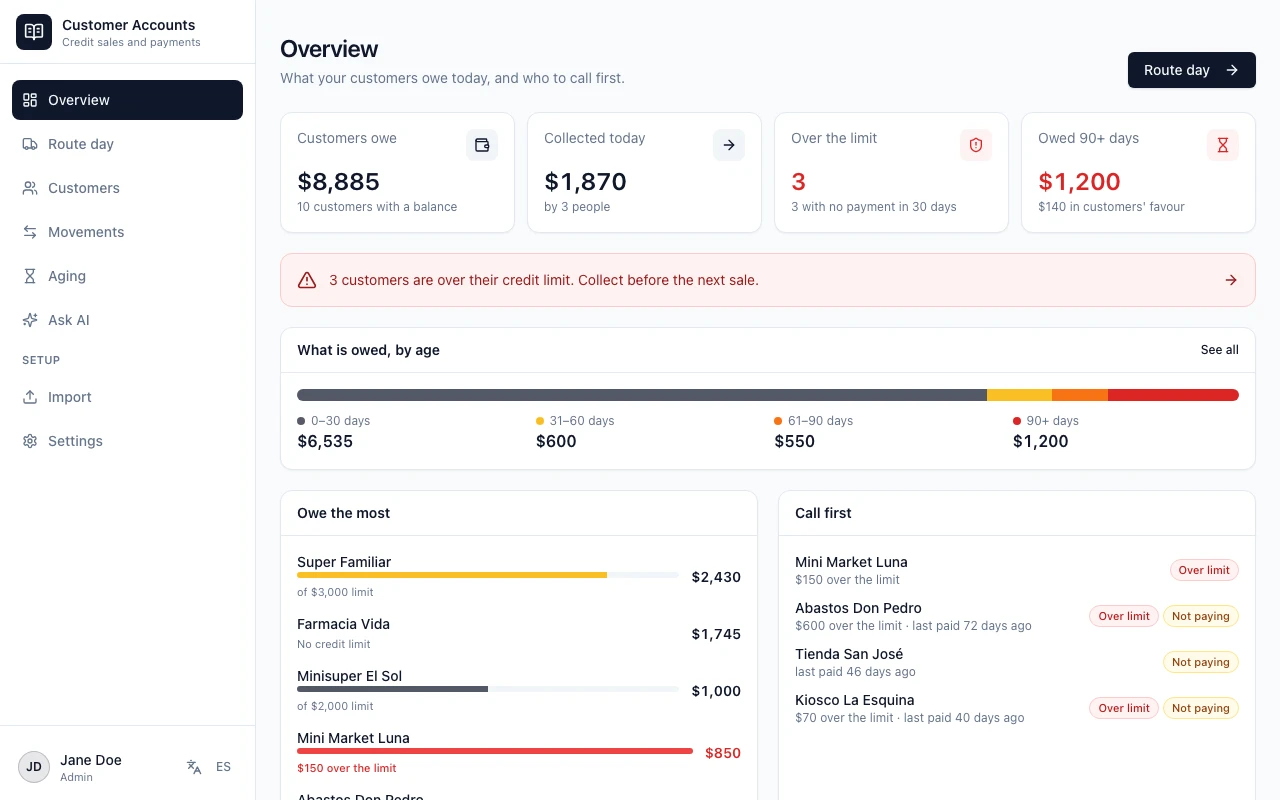
Customer current accounts for route distributors, wholesalers and shops that sell on credit.
Something else? Talk to a person and we'll reply within a day.
Click “Use this template” to open it in Agent UI. Log in or create your account, add the template to your workspace, and it's ready to use.
Yes. Once it's in your workspace, it's your app. Ask Agent UI in the chat to add fields, screens or automations, and hand off to a person on our team at any time.
Yes. Import your existing records from Excel or CSV, or ask Agent UI to connect the tools you already use, such as Google Sheets or a SQL database.
There's no extra charge for the template. It runs on your Agent UI plan, and new accounts get a 7-day free trial. Plans and prices are on our pricing page.
Every template started as someone's idea. Tell Agent UI what you need and get your own version. Hand off to a human at any time.
Every tool below runs on the data you already have, with role-based access, a full audit trail and a real person behind it.